

WebP for Unity
A complete, pure-C# WebP codec for Unity — decode, animate, and encode .webp with no native plugins, on every platform Unity targets, including WebGL.
Unity 2022.3+ · Mono & IL2CPP · Desktop, mobile & WebGL · No native plugins
WebP for Unity is a complete WebP codec — encode and decode, still and animated, lossy
and lossless, with alpha — written entirely in managed C#. It ships as one assembly with
zero runtime dependencies. There is no .dll, .so, .a,
or .aar to ship, sign, or debug.
Unity compiles the same code for every target, so the same .webp decodes
bit-identically in a Windows editor, on a phone, and on a WebGL page. The package runs
under both Mono and IL2CPP, is reflection-free and AOT-safe out of the box, and ships a
link.xml so it survives code stripping at any level.
See it in action
About 80 seconds — the package running live across decode, animated playback, URL loading, and runtime encode, plus its ready-to-run sample scenes.
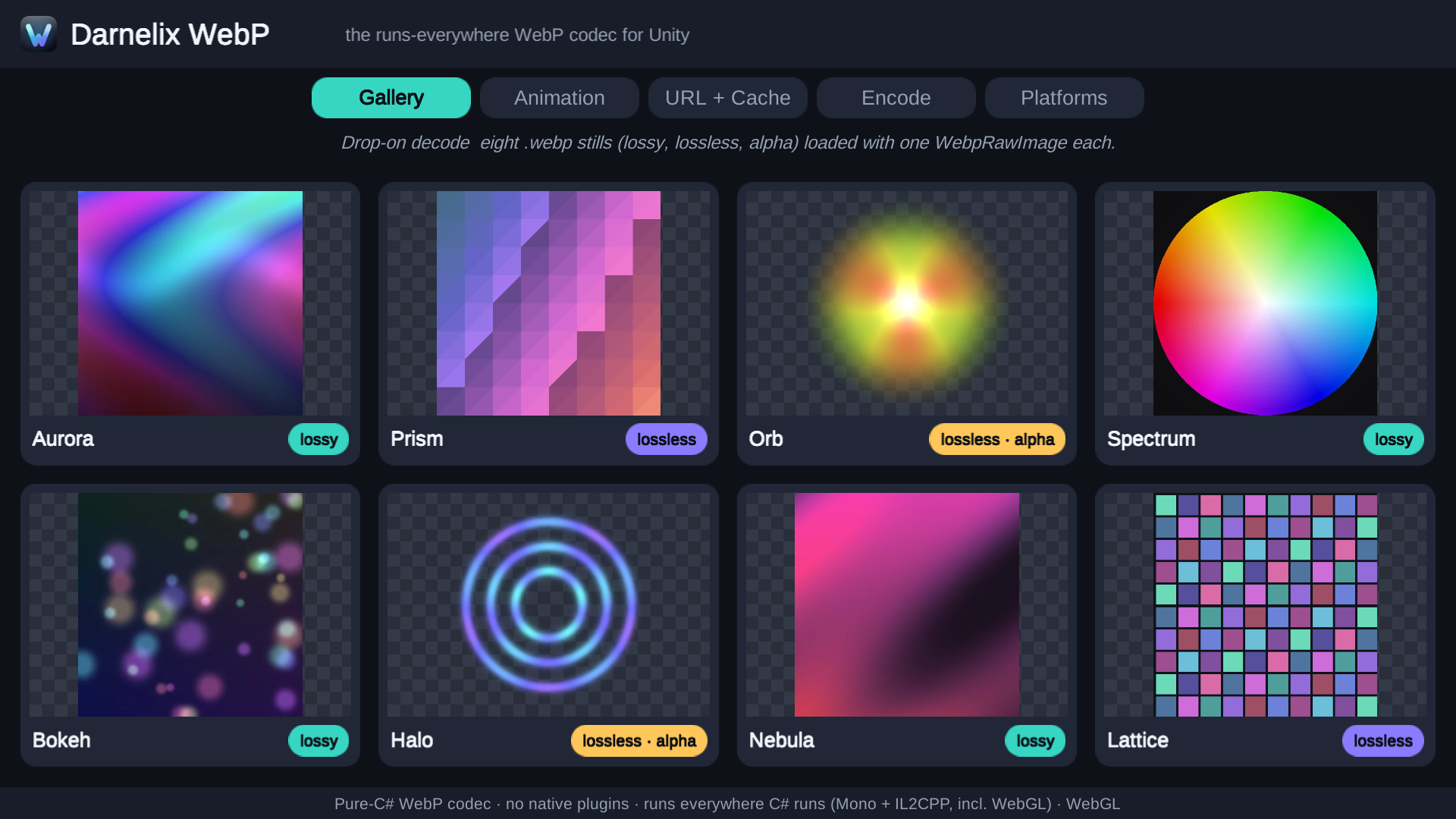
Display a .webp with no code
Drop a .webp into Assets/ and the editor importer turns it
into a Texture2D, complete with a Project-window thumbnail and an inspector
preview. At runtime, add a drop-on component to a GameObject — a uGUI
RawImage or Image, a SpriteRenderer, or any
Renderer — point it at a path, StreamingAssets, a URL, a
TextAsset, or raw bytes, and the image appears. Lossy, lossless, and alpha
all decode the same way.

Play animated WebP
The animation player component plays an animated .webp with play, pause, stop, seek, loop, speed, and per-frame events. It streams frames by default to keep memory low, and can pre-decode short loops for zero per-frame cost.
The clip shown here is itself an animated .webp this codec encoded, decoded
live in your browser — with a GIF fallback for older browsers.
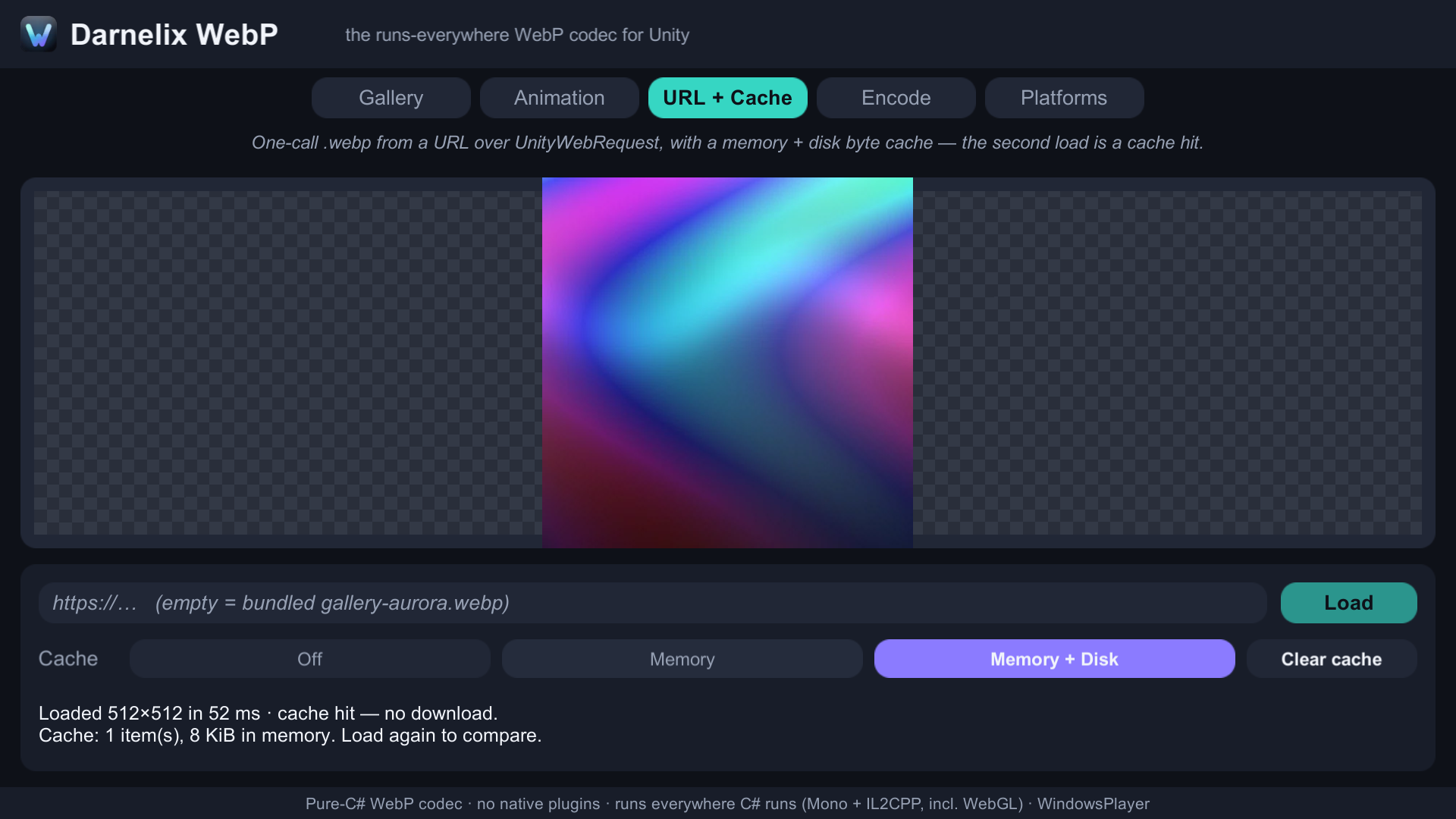
Stream from the web in one call
Fetch a .webp over UnityWebRequest straight into a
Texture2D, with an optional memory and disk cache. Decoding runs on a
background worker thread, and the texture upload is marshalled back to the main thread.
The loaders come in async/Task, coroutine, and
Awaitable forms — all cancellable.
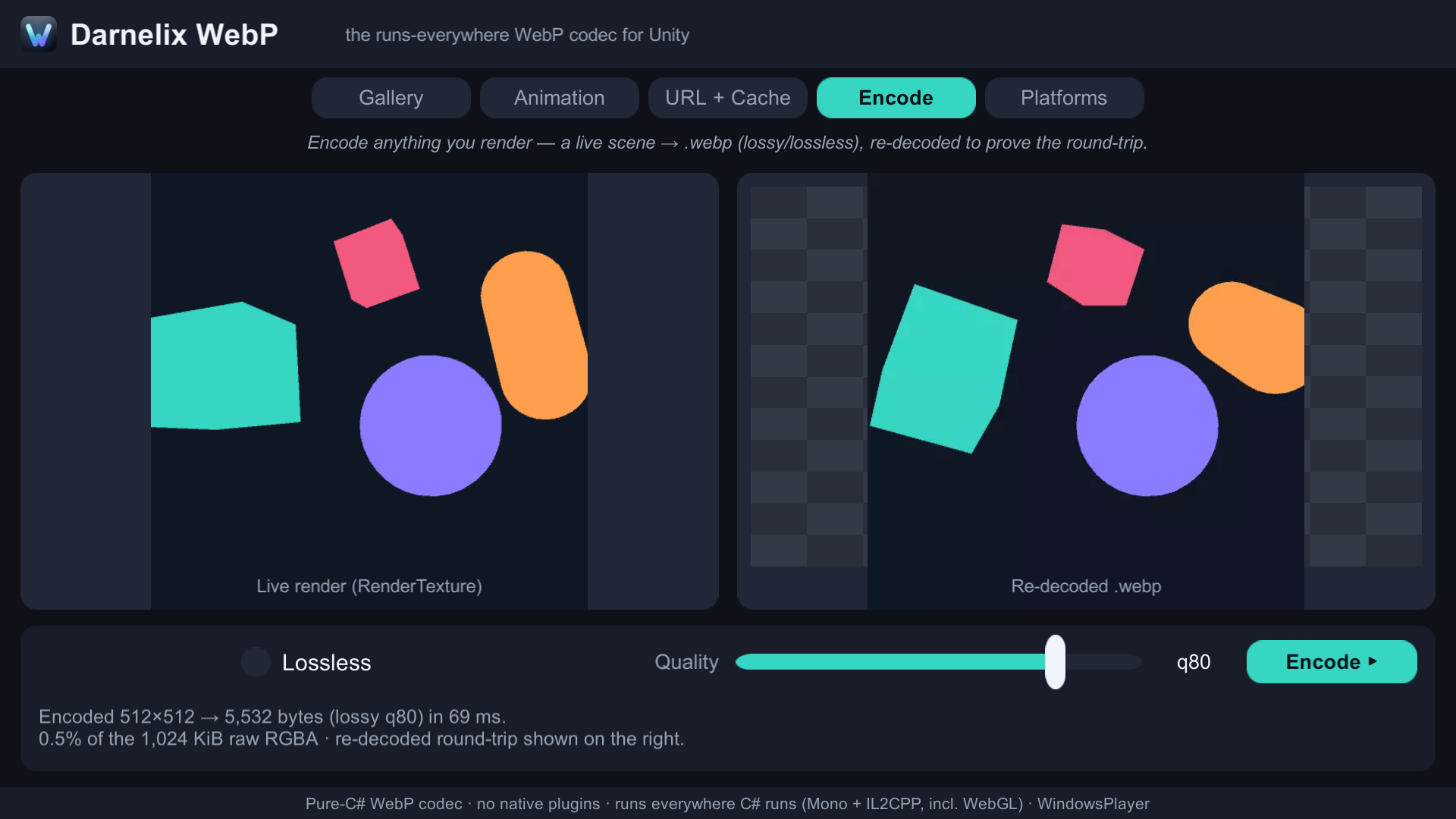
Encode from Unity
The same package encodes a readable Texture2D, RenderTexture, or
Color32 buffer back to WebP — lossy, lossless, near-lossless, and with alpha.
Use it for screenshots, user-generated content, and runtime export.
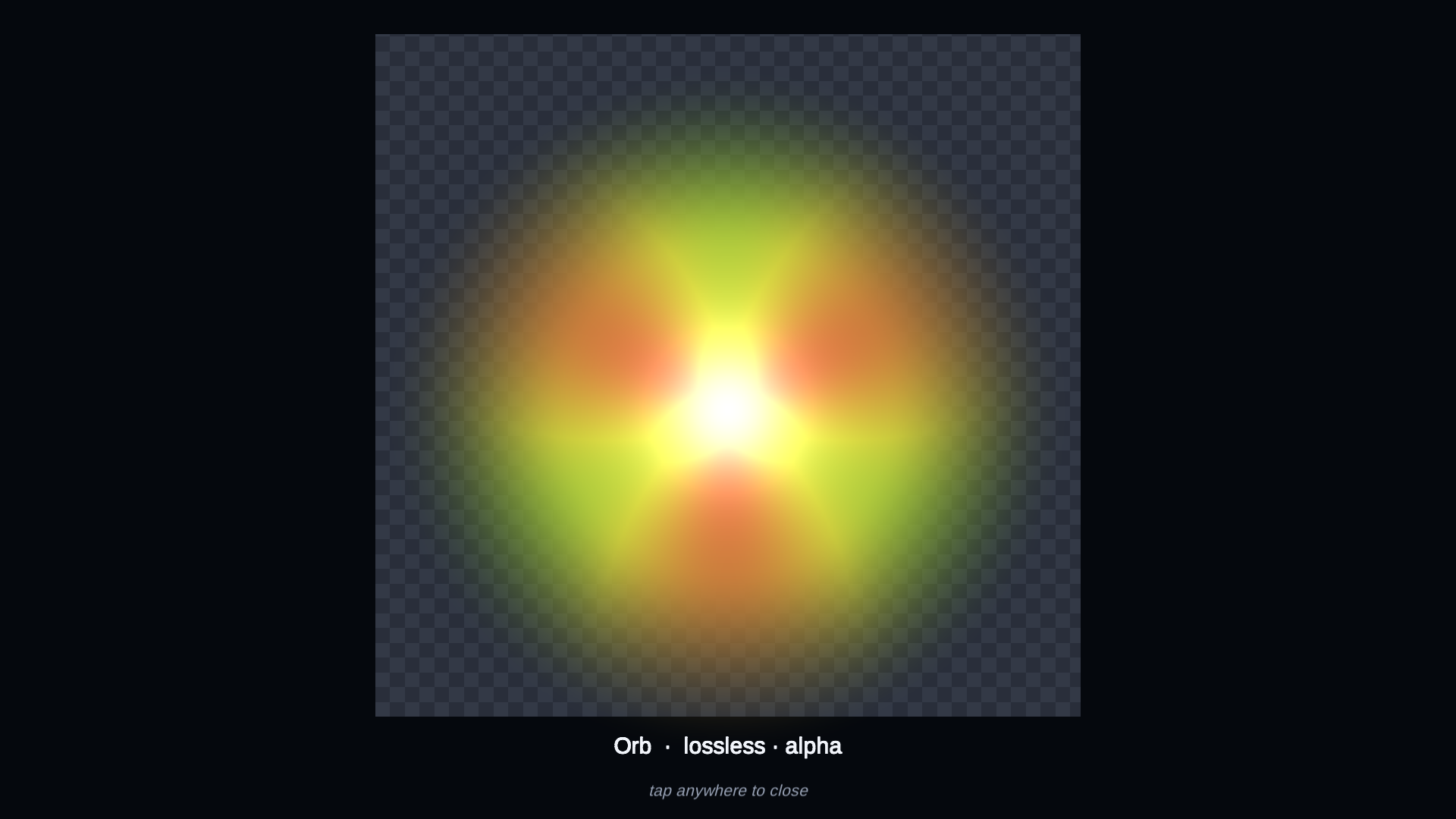
Transparency, by construction
Alpha is a first-class part of the codec, not an add-on. Decode an image with a
transparent background straight onto a Texture2D and composite it cleanly in
UI or in-world — with an optional premultiplied-alpha mode for correct
compositing.
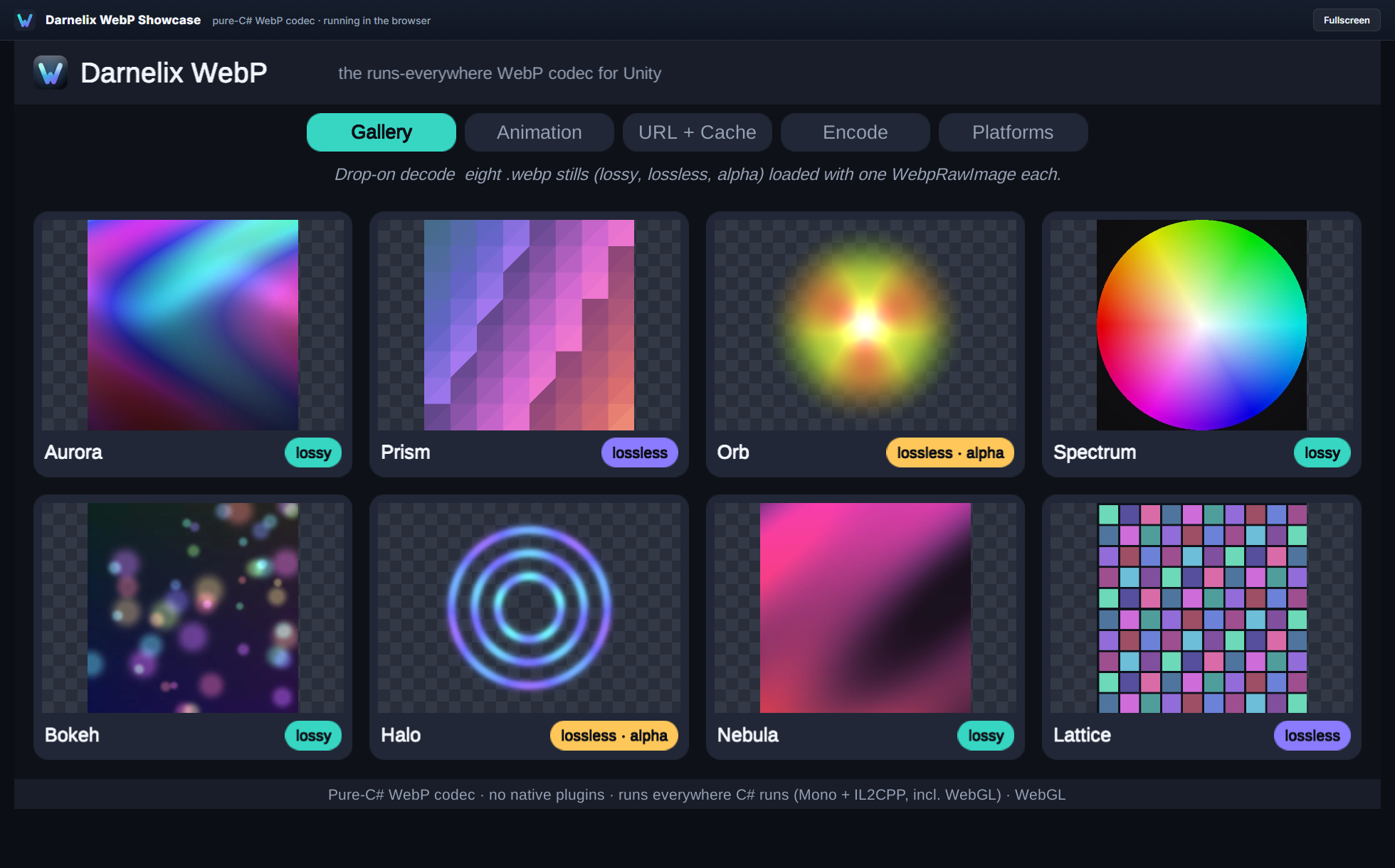
Runs in WebGL — in a real browser
The codec is the same managed assembly Unity compiles to WebAssembly for every other target, so the WebGL build needs no Emscripten step and no native toolchain. Output stays bit-identical to desktop and mobile. The screenshot is the package decoding WebP inside a browser.
Every feature, every platform
Everything works on every platform, and output is bit-identical. The only differences are about how work is scheduled and the few inherently environment-bound features.
| Feature | Desktop | Mobile | WebGL |
|---|---|---|---|
| Decode — still (lossy / lossless / alpha) | Yes | Yes | Yes |
| Decode — animated | Yes | Yes | Yes |
| Encode (lossy / lossless / near-lossless / alpha) | Yes | Yes | Yes |
| Drop-on display components | Yes | Yes | Yes |
| Animated playback component | Yes | Yes | Yes |
URL loading (UnityWebRequest) | Yes | Yes | Yes |
| URL disk cache | Yes | Yes | Memory-only1 |
| Background-thread decode | Yes | Yes | Main thread2 |
Editor importer (drop a .webp into Assets/) | Editor-only build feature3 | ||
| Scripting backend | Mono or IL2CPP | IL2CPP | IL2CPP → Wasm |
- WebGL has no
System.IOdisk, so a disk cache automatically behaves as memory-only. The download itself still works through the browser. - WebGL is single-threaded, so the async loaders decode on the main thread. The API shape is identical, so your code stays portable.
- The importer is a build-time Editor feature; it produces assets regardless of the platform you later ship to, with no per-platform runtime cost.
Why pure C#
Native image plugins solve one platform at a time. Each target needs its own binary to build, sign, and keep working across OS and toolchain updates, and some targets — WebGL among them — have no native path at all. A managed codec removes that whole category of work.
-
One package across the target matrix. Nothing to ship, sign, or notarize per platform, and nothing that links on one OS but not another.
-
Runs everywhere Unity runs. Mono and IL2CPP, desktop, mobile, and WebGL, from one source of truth.
-
IL2CPP- and AOT-safe, and stripping-safe. No reflection, and a
link.xmlships, so aggressive code stripping leaves it intact. -
Deterministic and bit-identical across every platform. The same bytes in produce the same pixels out, from editor to device to browser.
-
Zero runtime dependencies. Pure managed C#, with no transitive native chain to manage.
What people build with it
Remote image content. Avatars, catalogs, and
user-generated content streamed over the web as compact .webp, decoded
into textures with caching — the same code on desktop, mobile, and WebGL.
Animated stickers and effects. Emotes, reactions,
and short cutscenes as animated .webp, played through the transport
component with loop and speed control.
Runtime capture and sharing. Encode in-game
screenshots and share cards to .webp at runtime — alpha included — for
upload or local export.
Smaller shipped art. Store art as
.webp to trim build size, then decode on load to a plain RGBA32
Texture2D that works with Built-in, URP, and HDRP.
Quick start
- Import the package into your project.
- Drop a
.webpintoAssets/to get aTexture2D— or add a display component and point it at a path, URL, or bytes. - For animation, add the playback component and press play.
- To encode, call the encode API on a
Texture2D,RenderTexture, orColor32buffer.
Ready-to-run sample scenes cover static images, animated playback, URL loading, screenshot encoding, and IL2CPP/AOT validation.
Compatibility
- Unity
- 2022.3 LTS or later (Unity 6 supported)
- Platforms
- Windows, macOS, Linux, Android, iOS, WebGL
- Scripting backends
- Mono and IL2CPP
- Render pipelines
- Built-in, URP, HDRP — a decoded WebP is a plain RGBA32
Texture2D - API compatibility level
- .NET Standard 2.1
- Dependencies
com.unity.uguionly (a default Unity package), for the display components- Native binaries
- None
Support
Questions, bug reports, and feature requests go to support@darnelix.com . Replies usually within a couple of business days.